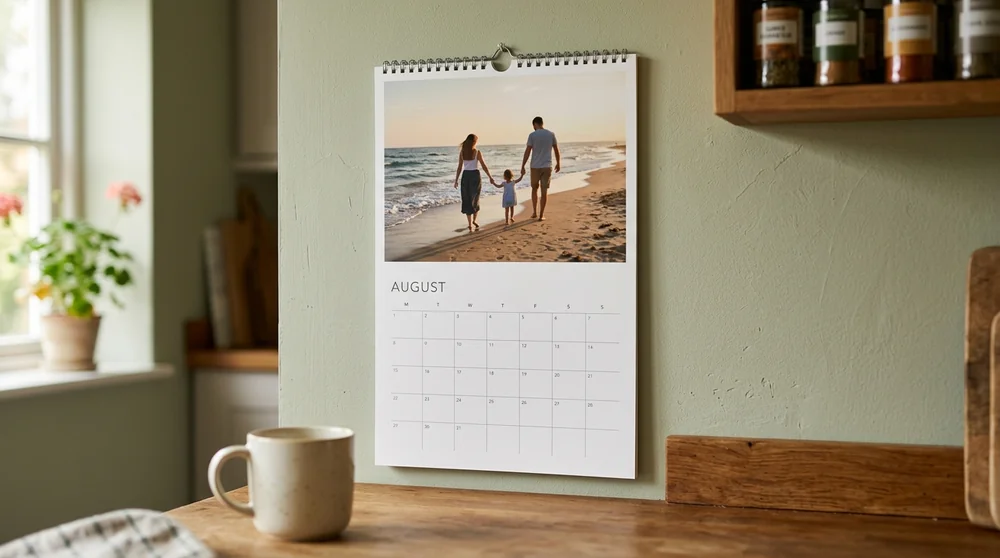
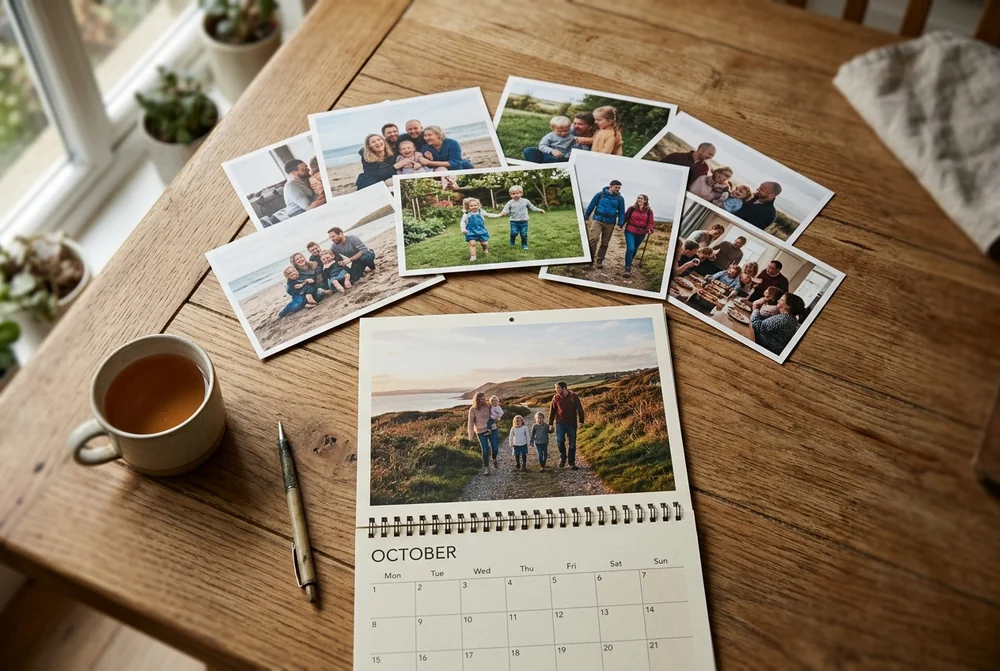
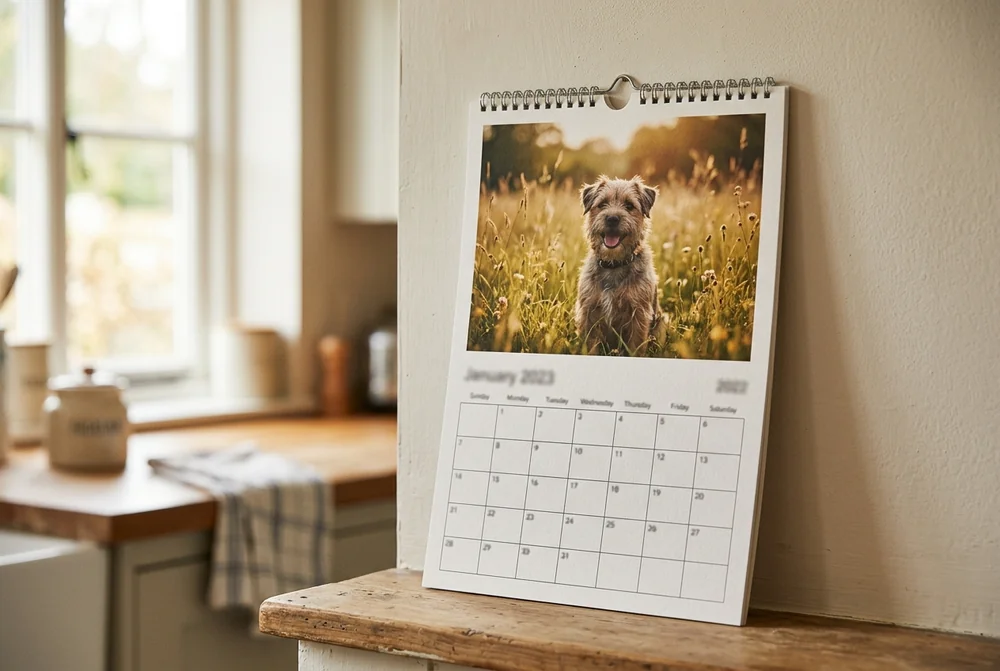
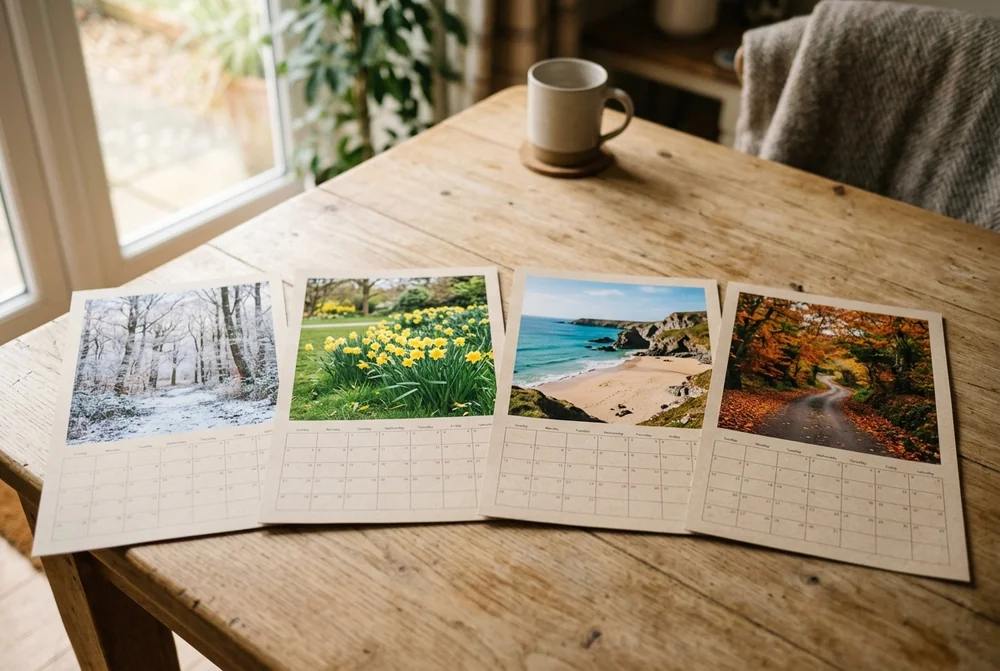
To make a photo calendar, pick a calendar style, choose a design template, upload one or more photos for each month, add your own dates, then order. At MYPICTURE a personalised photo calendar starts at £3.00, and printing takes 2 to 4 working days. Choosing the twelve photos is the slow part, not the software.
Most of us take a few thousand photos a year and print almost none of them. A calendar fixes that in a useful way, because it forces you to pick twelve and then puts them somewhere you look every day.
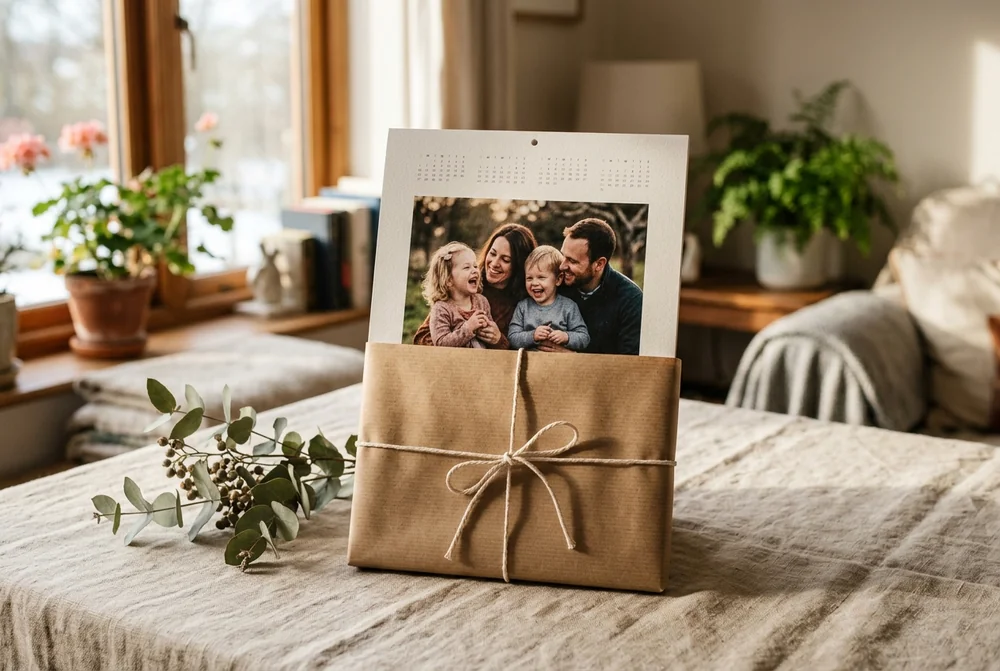
It is also a gift that keeps working after Christmas Day. A mug gets used and forgotten. A calendar gets a new photo on the first of every month, twelve times over, and the person you gave it to walks past it every day. That is why grandparents tend to ask for another one the following year.
The short version
A photo calendar costs less than most people expect. MYPICTURE listings start at £3.00 for an A3 photo calendar, and the photo wall calendar is £6.00. Both prices checked in August 2026.
You need twelve good photos, not twelve perfect ones. One clear, well-lit photo per month beats a page crammed with blurry ones.
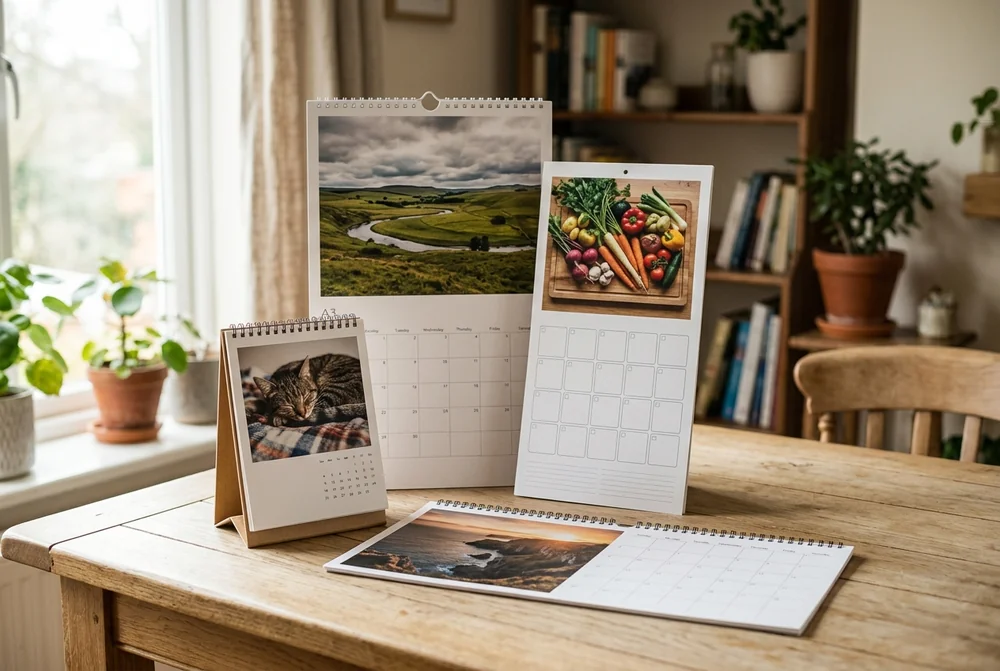
The style matters more than the design template. A kitchen calendar with room to write and a panorama calendar for wide landscape shots are different products doing different jobs.
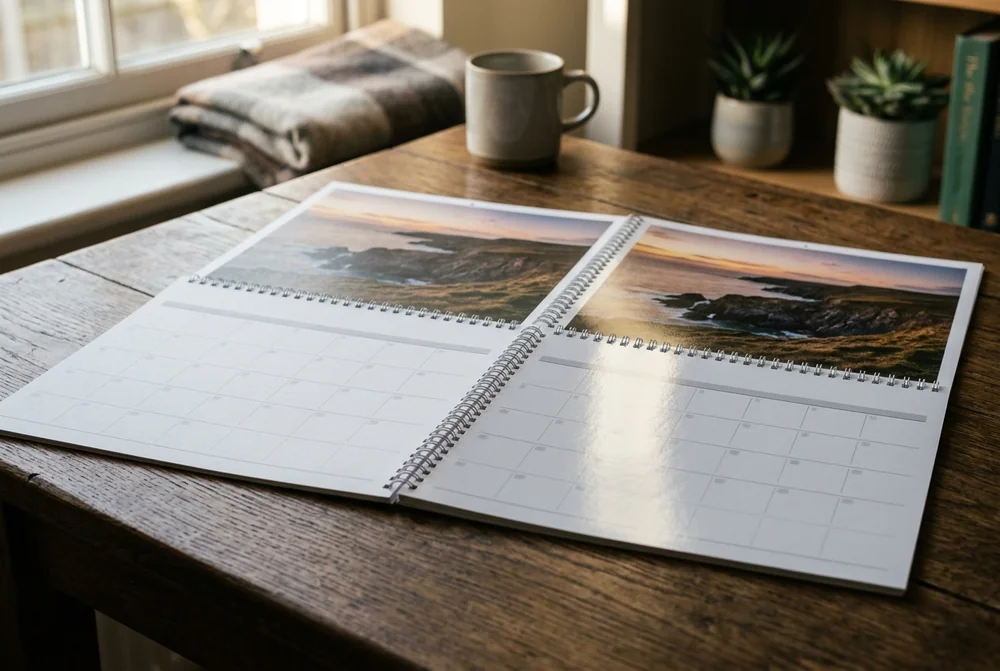
Matte or gloss is the choice people get wrong most often. Pick the satin-matte digital print if anybody will write on it in biro. Pick the 232g/m² photo paper if the photos are the whole point.
Whichever you choose, check the pixel size of every photo before you order. A picture that looks sharp on a phone can look soft printed at A3.
Why a photo calendar is still worth making
A calendar is the only photo product that is also a tool. It hangs in the kitchen because the household needs it there, which means the photos get seen by people who would never sit down and open a photo book.
It is also the one place your family's dates live outside a phone. Birthdays, school terms, the dentist, and the UK bank holidays, which are published by the government at GOV.UK and are easy to get wrong from memory. Writing them onto the grid once in December saves a year of checking.
There is a plainer reason too. Phones get lost, broken and stolen, and cloud accounts get forgotten. A print needs no password, no charger and no subscription. If nothing from the last five years has been printed, twelve photos is a gentle place to start.
25 photo calendar ideas, grouped by who the calendar is for
The easiest way to choose a theme is to start with the person who will look at it every day. A calendar for your mum and a calendar for your own desk want different photos.
For family and children
1. A year in the life. One photo from each month of the year just gone, in order. It takes ten minutes with your camera roll sorted by date, and it reads like a short story by December.
2. The growing-up calendar. Twelve photos of one child across the year, oldest last. Grandparents notice the change far more than parents do.
3. Children's drawings. Photograph or scan twelve pieces of artwork instead of photos. Lay each drawing flat, shoot it from directly above in daylight, and it will print cleanly.
4. The grandparents' calendar. Every grandchild appears at least twice across the year, so nobody is short-changed. This is the single most reliable gift on this list.
5. Funny family photos. Bad haircuts, ruined group shots, the toddler mid-tantrum. Ask permission first, and expect it to be the calendar everybody talks about.
For couples and gifts
6. Twelve reasons. One photo and one short line for each month explaining something you love about the person. Tell them to read only the current month.
7. The first year. For a couple's first anniversary: twelve moments from the twelve months since the wedding or since you met.
8. Where we have been. One trip per month, in the order you took them. Include the small trips, not only the flights.
9. The birthday calendar. Each month features whoever has a birthday in it, with the date already marked on the grid. Useful and personal at the same time.
10. A wedding calendar. Twelve photos from the day, given to parents and the wedding party a few months later, when the album has gone quiet. Pair it with a photo album if you want the full set of images somewhere.
For pets
11. One pet, twelve moods. Asleep, muddy, hopeful, guilty. Cats and dogs give you far more usable expressions than people do.
12. Seasonal pet photos. The dog in snow for January, in long grass for July, in leaves for October. Simple and it always works.
13. The rescue anniversary. Mark the day you brought them home on the grid, and use the earliest photo you have for that month.
14. Multi-pet months. Alternate pets month by month, then put them together on the cover.
For travel and the outdoors
15. One country a month. A classic for anyone who has travelled a lot. Choose the detail shots as well as the famous view: a market stall, a road sign, your boots on a path.
16. The staycation calendar. Twelve places in Britain, from Cornwall in August to the Lake District in February. Wide shots suit the panorama calendar particularly well.
17. The same view, twelve times. One spot near your home, photographed once a month for a year. It is a small project and the result is better than it sounds.
18. Walks and summits. For hikers: twelve routes, with the date you walked each one written in.
19. Places you want to go. No holiday photos needed. Twelve photos of the places you plan to reach, one per month, as a reminder to book something.
For hobbies, food and your own work
20. A recipe a month. Photograph the finished dish and put the recipe on the page. Roast for January, salad for July, something with plums for September.
21. Your own artwork or photography. If you paint, sew, throw pots or shoot film, twelve pieces of your own work makes a calendar and a portfolio at once.
22. Match days. A season of a child's football, a rugby club or your own team. Action shots print well large, so consider A3.
23. The garden calendar. The same border photographed each month. It is genuinely useful the following year when you are trying to remember what flowered when.
24. Twelve books. A photo of each book you read alongside where you read it. Good for a reader who is difficult to buy for.
25. Twelve quotes. A line of text on each page instead of, or alongside, a photo. Our list of inspirational quotes is a decent place to pull from.
Calendar photo ideas for each month
If you want the photos to match the month rather than follow one theme, this is the pattern that works in the UK. A summer beach photo in December always looks like a mistake.
Month
Photos that work
UK note
January
Frost, snow, a winter walk, New Year breakfast
The darkest month, so pick a bright photo
February
Couples, a cosy indoor shot, candles
Valentine's Day, 14 February
March
First daffodils, mothers and grandmothers
Mothering Sunday 2026 is 15 March
April
Bluebells, lambs, an Easter egg hunt
Easter Sunday 2026 is 5 April
May
Gardens, day trips, bluebell woods
Two bank holidays, early and late May
June
Fathers, sports day, long light evenings
Father's Day 2026 is 21 June
July
Beaches, paddling pools, holidays abroad
School terms end mid-July
August
Festivals, camping, harvest fields
Summer bank holiday 2026 is 31 August
September
First day of school, early autumn colour
A good month to start an academic-year calendar
October
Pumpkins, woodland, half-term trips
Clocks go back at the end of the month
November
Fireworks, sparklers, fog and frost
Bonfire Night, 5 November
December
The tree, the whole family in one frame
Order early, see the timing section below
You do not have to fill all twelve this way. A common compromise is to match six obvious months, then use your best photos for the rest.
How to make a photo calendar: six steps
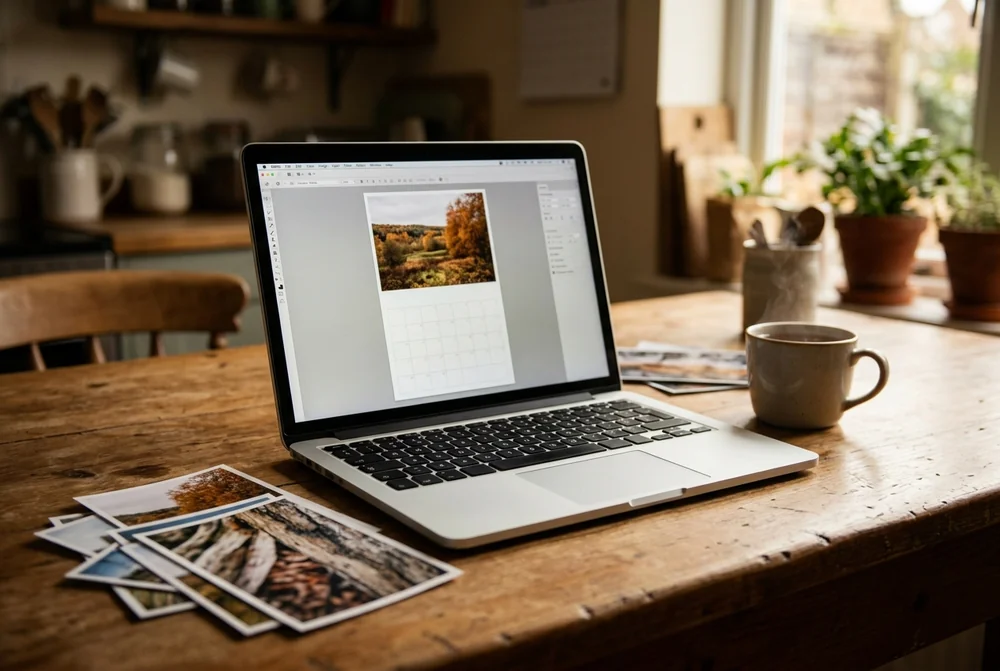
Step 1. Pick your twelve photos first. Do this before you open any design tool. Make an album on your phone or a folder on your laptop, drop in twelve to twenty photos, then cut down to twelve. Choosing inside the designer is slower and you will end up with whatever was easiest to find.
Step 2. Choose the calendar style. MYPICTURE has six on the photo calendars page: wall, kitchen, desk, panorama, appointment and year planner. The comparison table below covers what each one is for.
Step 3. Pick a template, size and format. Templates are backgrounds and layouts, and there is a blank one if you would rather start from nothing. Choose portrait, landscape or square to match most of your photos rather than fighting them later.
Step 4. Upload your photos, one month at a time. You can put more than one photo on a page, though one large photo usually looks better than four small ones. Work January to December so you can see the year building.
Step 5. Add your own dates. Type in birthdays, anniversaries, term dates and appointments before you order, because this is the part everybody forgets and it is the reason the calendar earns its place on the wall.
Step 6. Check every page, then order. Look at each month at full size on a laptop screen. Check faces are not cropped, check the spelling of every name, then order. MYPICTURE prints wall calendars in 2 to 4 working days, with 5 to 8 working days from order to doorstep in total.
Which calendar style suits you?
Style
What it is
Formats
Best for
Wall calendar
Twelve monthly pages, wire-bound, photo above the date grid
Extra-wide pages, or an extra-tall portrait version
Landscape or portrait
Landscape shots and big group photos
Appointment calendar
An A4 photo page above a separate A4 calendar page
A4 plus A4
A big photo and a big writing space at once
Year planner
The whole year on one A3 sheet
Single A3 page
Shift patterns, term dates, project planning
The kitchen calendar and the year planner are the two most people overlook. If your current calendar has pencil all over it, the writing space matters more than the photo size, and the appointment calendar gives you both.
Sizes and formats: the numbers
Format
Centimetres
Inches
Note
A5 landscape
21.0 × 14.8
8.3 × 5.8
Digital print only
A4
21.0 × 29.7
8.3 × 11.7
The standard choice
A3
29.7 × 42.0
11.7 × 16.5
Twice the area of A4
Square, small
20 × 20
7.9 × 7.9
Suits phone photos of any shape
Square, large
30 × 30
11.8 × 11.8
Good for Instagram-shaped crops
A3 is the right choice if the calendar is a gift or the photos are the point. A4 is the right choice if it is going on a busy kitchen wall next to the door. For more standard UK measurements, our UK photo sizes guide has the full set.
What size do your photos need to be?
This is the part that ruins otherwise good calendars, and no other guide in the UK results answers it properly.
The working rule for print is 150 dpi as a minimum and 300 dpi where you want it sharp. Those numbers turn into pixels like this:
Calendar size
Minimum at 150 dpi
Comfortable at 300 dpi
Roughly
A5
875 × 1,240 px
1,749 × 2,481 px
1.1 MP minimum, 4.3 MP comfortable
A4
1,240 × 1,754 px
2,481 × 3,508 px
2.2 MP minimum, 8.7 MP comfortable
A3
1,754 × 2,481 px
3,508 × 4,961 px
4.4 MP minimum, 17.4 MP comfortable
20 × 20 cm
1,181 × 1,181 px
2,362 × 2,362 px
1.4 MP minimum, 5.6 MP comfortable
30 × 30 cm
1,772 × 1,772 px
3,543 × 3,543 px
3.1 MP minimum, 12.6 MP comfortable
Two things make this easier than the table suggests. On most wall calendar layouts the photo fills roughly the top half of the page, so the image area on an A3 calendar is closer to A4, and you can read the A4 row instead. And a modern phone shoots 12 megapixels or more, so an original photo straight off the phone is fine at any of these sizes.
The trap is photos that have been through a messaging app. Anything sent by WhatsApp or downloaded from Facebook has been compressed and may be under 1 megapixel, which will look soft even at A5. Ask for the originals by email or AirDrop instead. Our guide to photo print resolution goes through this in more detail.
Matte or real photo paper?
MYPICTURE offers two print types on the wall calendar, and the choice comes down to one question: will anyone write on it?
Digital print, satin-matte finish. No glare, and biro works on it. This is the one for a kitchen or family calendar.
Deluxe, 232g/m² real photo paper. Glossy, with deeper colour and more contrast. Better for photographs, harder to write on.
To be fair about it: Photobox prints its calendars on 250gsm FSC-certified paper as standard, which is a heavier stock than our standard digital print. If paper weight above everything else is your measure, that is a reasonable reason to pay more. If you want photo-lab quality pages, the 232g/m² photo paper option is the closer comparison.
What a photo calendar costs in the UK
Prices move constantly on photo products, so treat these as bands rather than fixed figures. All checked on 14 August 2026 from live UK listings.
Price band
What you tend to get
Examples checked August 2026
Under £7
A4 or A3, digital print, wire binding, template designs
MYPICTURE from £3.00 (A3 listing), Boots Photo from £4.99, MYPICTURE wall calendar £6.00
£7 to £12
Bigger formats, more templates, heavier paper
Vistaprint from £7.00, Printerpix £8.99, Snapfish from £9.99, Pixa Prints £11.98 on 250gsm silk
£13 and above
Premium paper, larger formats, family planner layouts
Photobox £16.99 to £27.99
Paying much less than the band should make you ask what has been cut, and on calendars the answer is usually the paper weight or the number of templates. Paying much more usually buys heavier stock and a larger page, not better printing of your photo.
MYPICTURE also runs a Lowest Price Guarantee that beats any like-for-like UK price by 5%, which means the comparison shopping has effectively been done for you.
You do not have to start in January
A photo calendar can begin in any month. This matters more than it sounds:
September start for the academic year, for teachers, students and families with school-age children.
Birthday month start when the calendar is the birthday present, so it runs a full year from the day they open it.
Any month start if you have simply had the idea in June. There is no reason to wait until December.
On MYPICTURE the start month is set in the Options menu in the designer, before you order.
When to order for Christmas
MYPICTURE prints wall calendars in 2 to 4 working days and quotes 5 to 8 working days from order to delivery in total. Working backwards from Christmas, that means ordering by the second week of December for standard delivery.
That is the arithmetic, not the advice. Carriers get slower through December, and every photo printer in the country is at capacity in the same fortnight. Ordering by the end of November costs the same and removes the problem. If you have left it late, express delivery is available at checkout and our last-minute gift guide explains how the timings actually work.
Six mistakes that ruin a photo calendar
Using a photo that is too small. A picture pulled from WhatsApp or a website will look soft in print. Go back to the original file.
Choosing gloss when the calendar is for writing on. Biro skids on glossy paper. Satin-matte for the kitchen, gloss for the gift.
Ignoring the shape of the frame. A portrait photo dropped into a landscape slot gets cropped, and the crop usually takes the top of somebody's head. Check every page at full size.
Forgetting to add the dates. A personalised calendar with no birthdays on it is just a picture that changes monthly.
Twelve photos of the same day. One holiday spread across a whole year gets dull by April. Spread the year out.
Ordering in the third week of December. See above. This is the most common one, every single year.
A three-question test to pick your calendar
1. Will anybody write on it? If yes, choose the kitchen calendar or the satin-matte wall calendar. Writing space beats picture size.
2. Where is it going to live? A wall by a door wants A4. A wall with space around it wants A3 or the panorama. A desk wants the desk calendar.
3. Is it a gift or is it yours? Gifts justify A3 and the 232g/m² photo paper. Your own kitchen calendar does not.
If the answers pull in different directions, order two. At £6.00 for a wall calendar, a matte one for the kitchen and a gloss one as a gift still costs less than most single calendars on this list.
Why Choose MYPICTURE Over Other UK Photo Calendar Services?
Why choose MY-PICTURE.CO.UK over other competitors?
MYPICTURE competes on price and says so. Calendars start at £3.00, the wall calendar is £6.00, and the Lowest Price Guarantee beats any like-for-like UK price by 5%. There are six calendar styles rather than three, delivery is free over £49, and printing runs in 2 to 4 working days.
The table compares only the points that can be checked today, and it is not a claim to be better at everything. Photobox uses heavier standard paper, and that is a fair reason for some people to pay more.
*Ratings and prices correct as of August 2026. Prices exclude delivery; all brands run periodic promotions.
Twelve photos, one afternoon, and a year of looking at them. Start with the photo wall calendar if you are not sure which style you want, because it is the one that suits almost everybody.
Frequently asked questions
How can I make my own photo calendar for free?
You can design a photo calendar for free on most printing sites, including MYPICTURE, because the online designer costs nothing to use and you only pay when you order the printed copy. Free printable templates also exist, but you then pay for paper, ink and binding yourself, which often works out dearer than an A4 wall calendar at around £6.00.
How do you turn your pictures into a calendar?
Pick twelve photos, one for each month, then open the photo calendar designer on the site you have chosen. Choose a calendar style and size, pick a design template, and place one photo on each month. Add birthdays and other dates to the grid, check every page at full size, then order. At MYPICTURE printing takes 2 to 4 working days.
What is the best site to make a photo calendar?
There is no single best site, because they are good at different things. MYPICTURE is the cheapest of the larger UK options, with listings from £3.00 and a guarantee that beats any like-for-like UK price by 5%. Photobox prints on heavier 250gsm paper as standard. CEWE is the brand most often named for print quality. Choose on price, paper or reputation, depending on which matters to you.
What is the best app for creating a photo calendar?
Most UK printing brands let you design in an ordinary web browser on a phone, so you do not need an app at all. MYPICTURE, Photobox and Snapfish all work this way, and Snapfish also lets you send photos from your phone to the desktop designer using a QR code. Design on a laptop if you can, because dragging twelve photos into place is slow on a small screen.
What is the best photo calendar in the UK?
It depends on what you need. For the lowest price, MYPICTURE calendars start at £3.00 and the wall calendar is £6.00. For heavier standard paper, Photobox prints on 250gsm and starts at £16.99. For the widest choice of shapes, MYPICTURE offers six styles, including a panorama calendar and a single-sheet year planner. Prices checked in August 2026.