Photo Print Resolution at a Glance: The Minimum Pixel Table
Direct answer: multiply the edge length in centimetres by DPI, divided by 2.54. That gives you the minimum resolution in pixels. For posters and acrylic, work with 150 DPI; for canvas, 100 to 150 DPI. Below that, the print looks visibly soft at normal viewing distance.
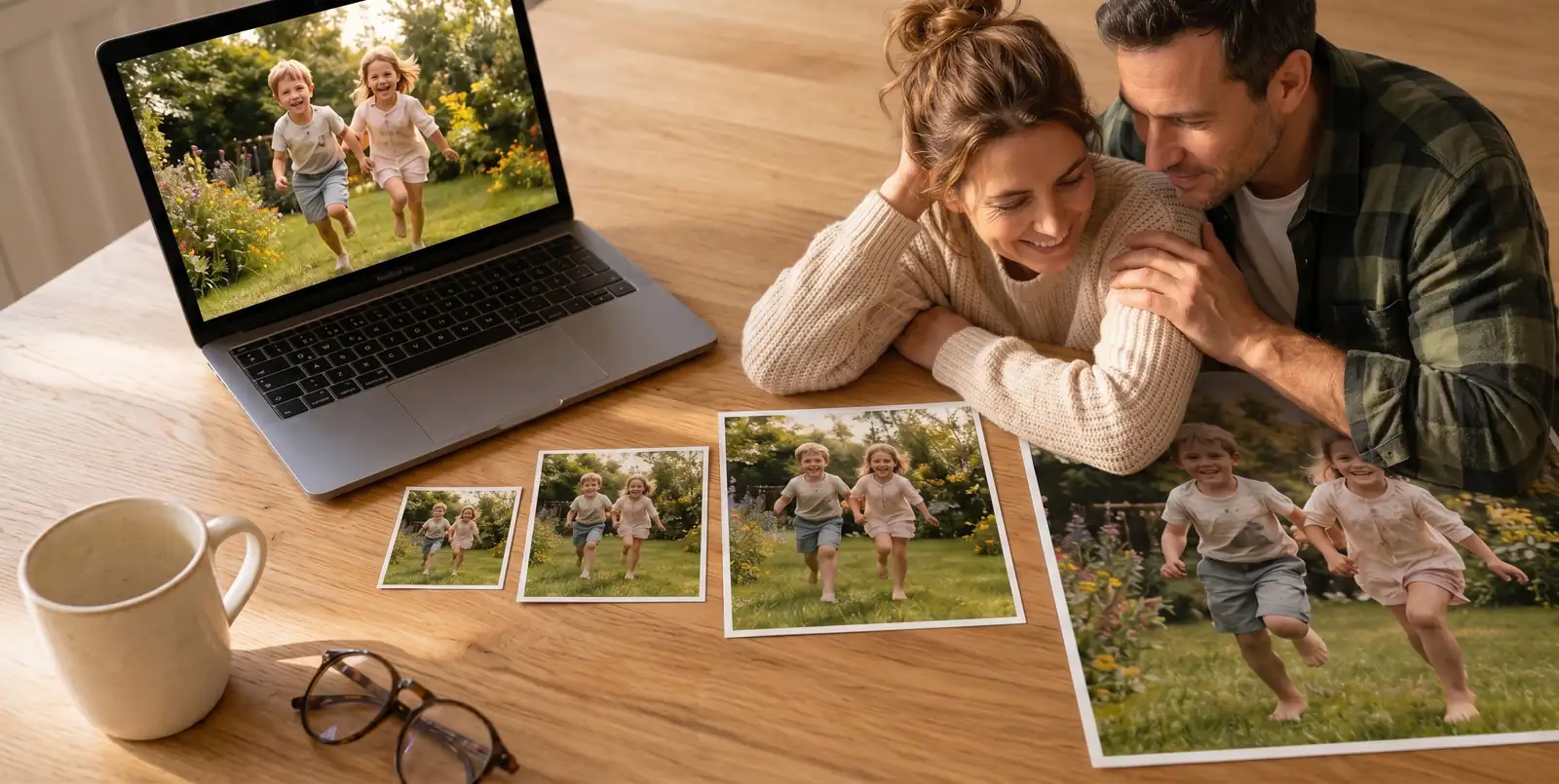
The table below covers the most common print sizes. "Minimum" means: you're in the clear, the image looks sharp from 1 to 2 metres away. "Recommended" means: even from 50 cm the photo still looks crisp.
| Print size | Poster (min, 150 DPI) | Acrylic (min, 150 DPI) | Canvas (min, 100 DPI) | Min MP |
|---|
| 30x20 cm | 1772 x 1181 px | 1772 x 1181 px | 1181 x 787 px | ~2 MP |
| 40x30 cm | 2362 x 1772 px | 2362 x 1772 px | 1575 x 1181 px | ~4 MP |
| 60x40 cm | 3543 x 2362 px | 3543 x 2362 px | 2362 x 1575 px | ~8 MP |
| 80x60 cm | 4724 x 3543 px | 4724 x 3543 px | 3150 x 2362 px | ~17 MP |
| 100x70 cm | 5906 x 4134 px | 5906 x 4134 px | 3937 x 2756 px | ~24 MP |
| 120x80 cm | 7087 x 4724 px | 7087 x 4724 px | 4724 x 3150 px | ~33 MP |
| 180x100 cm | not recommended | not recommended | 7087 x 3937 px | ~28 MP |
Rule of thumb: print size in cm divided by 2.54, multiplied by DPI. Example: 60 cm / 2.54 x 150 = 3543 px. That is the minimum the longer image edge must have.
If you want a more comfortable cushion, calculate with 200 DPI for poster and acrylic. Then the image still has headroom even up close. For a wider overview of standard formats, see our guide on standard photo sizes.
 PSave
PSave
DPI, PPI & Megapixels: How to Read the Table Correctly
Direct answer: DPI stands for "dots per inch" — the number of ink dots per inch when printing. PPI means "pixels per inch" — the number of pixels per inch on a screen. In practice almost every printer and photo workflow treats both values as synonymous. What matters is the relationship between pixels, size and viewing distance — that's what every photo print resolution question ultimately comes down to.
Why 300 DPI is a myth for wall prints
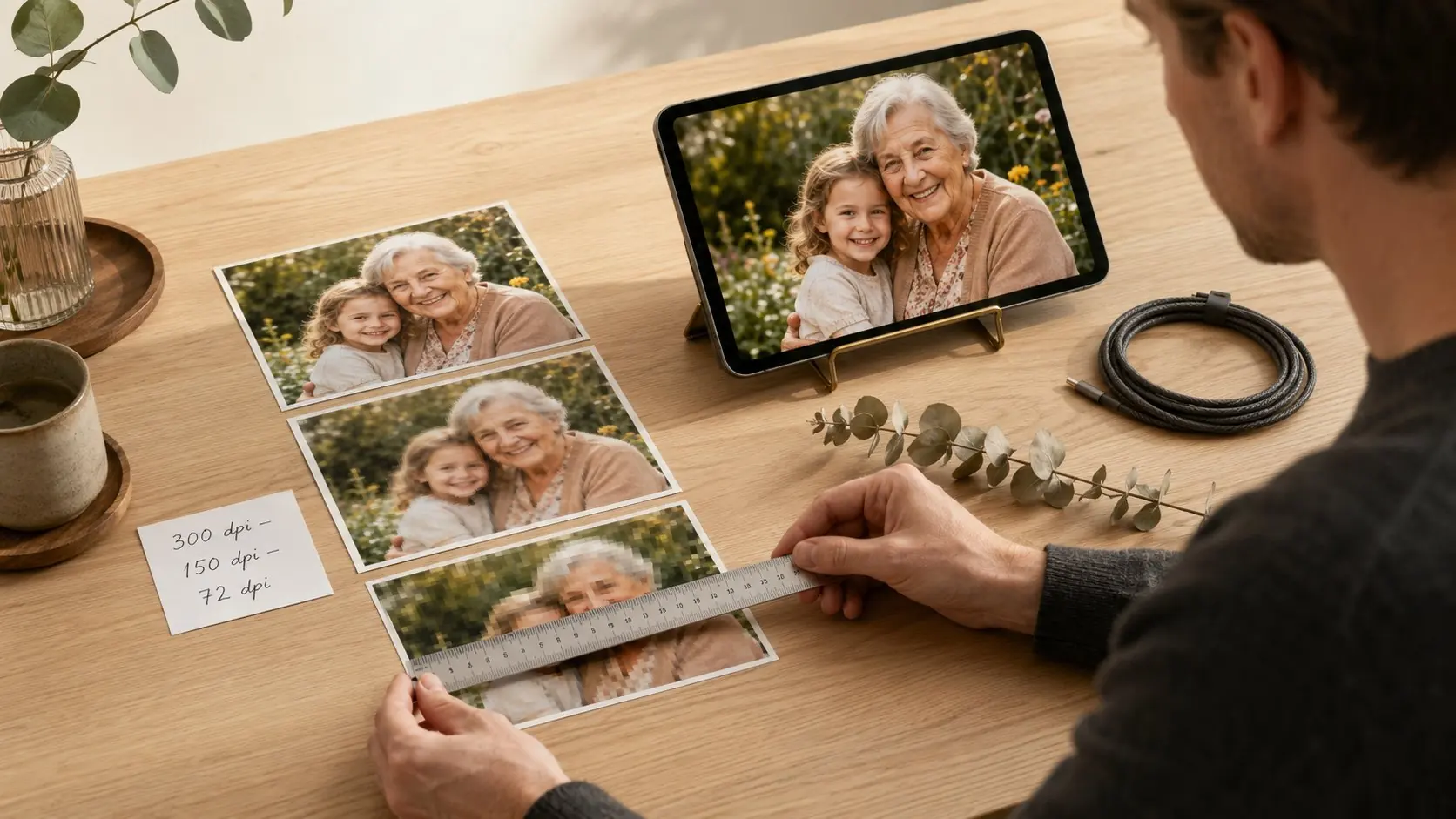
300 DPI comes from traditional magazine and book printing. Those are read from 25 to 30 cm away. A 60x40 cm wall print is typically viewed from 1.5 to 2 metres away. From that distance the eye simply resolves fewer details. For DPI on photo printing of wall art, 150 DPI delivers a razor-sharp result, 200 DPI is the premium choice, and anything beyond that is nice headroom but rarely visible.
 PSaveGet Up to EXTRA 20% Off
Convert megapixels to print size
Your camera's megapixel count is width times height in pixels, divided by one million. A 12 MP photo has roughly 4000 x 3000 px. With that you can print:
- Poster or acrylic at 150 DPI: sharp up to around 67x50 cm
- Canvas at 100 DPI: comfortable up to around 100x75 cm
- Acrylic at 200 DPI: premium quality up to around 50x37 cm
Viewing distance as the hidden factor
The further you stand back, the fewer pixels the image needs per centimetre. A 180x100 cm wall print above the dining table is rarely viewed from more than 2.5 metres away. That is why large canvas formats still work well at lower canvas resolution, while a 40x30 cm acrylic in your home office, viewed from 80 cm away, reveals every missing pixel.
Posters: What Resolution for Which Print Size?
Direct answer: for posters, 150 DPI counts as the practical minimum, 200 DPI is ideal. A standard 12 MP smartphone photo comfortably reaches 60x40 cm; from 80x60 cm upwards it gets tight; from 100x70 cm you need a modern camera or a high-resolution phone.
Posters are the budget-friendly entry choice for wall art. That is exactly why the right resolution matters most here: the matte paper surface shows every softness honestly, with no gloss to hide pixel artefacts. If you want to save on paper, don't save on resolution.
Typical poster sizes & required megapixels:
- 30x20 cm. Any smartphone photo of the last 10 years is fine, from around 2 MP.
- 40x30 cm. Comfortable with any current smartphone, from around 4 MP.
- 60x40 cm. The family standard, from around 8 MP.
- 80x60 cm. Demanding — at least 17 MP for clean 150 DPI.
- 100x70 cm. Large format, comfortable from 24 MP, otherwise upscale.
Our recommendation: if the print quality matters to you but your photo sits at the edge of acceptable resolution, print your image on canvas prints. The fabric texture is friendlier to pixels than smooth poster paper.
 PSaveGet Up to EXTRA 20% Off
Acrylic Print Resolution: Why Gloss Is Unforgiving
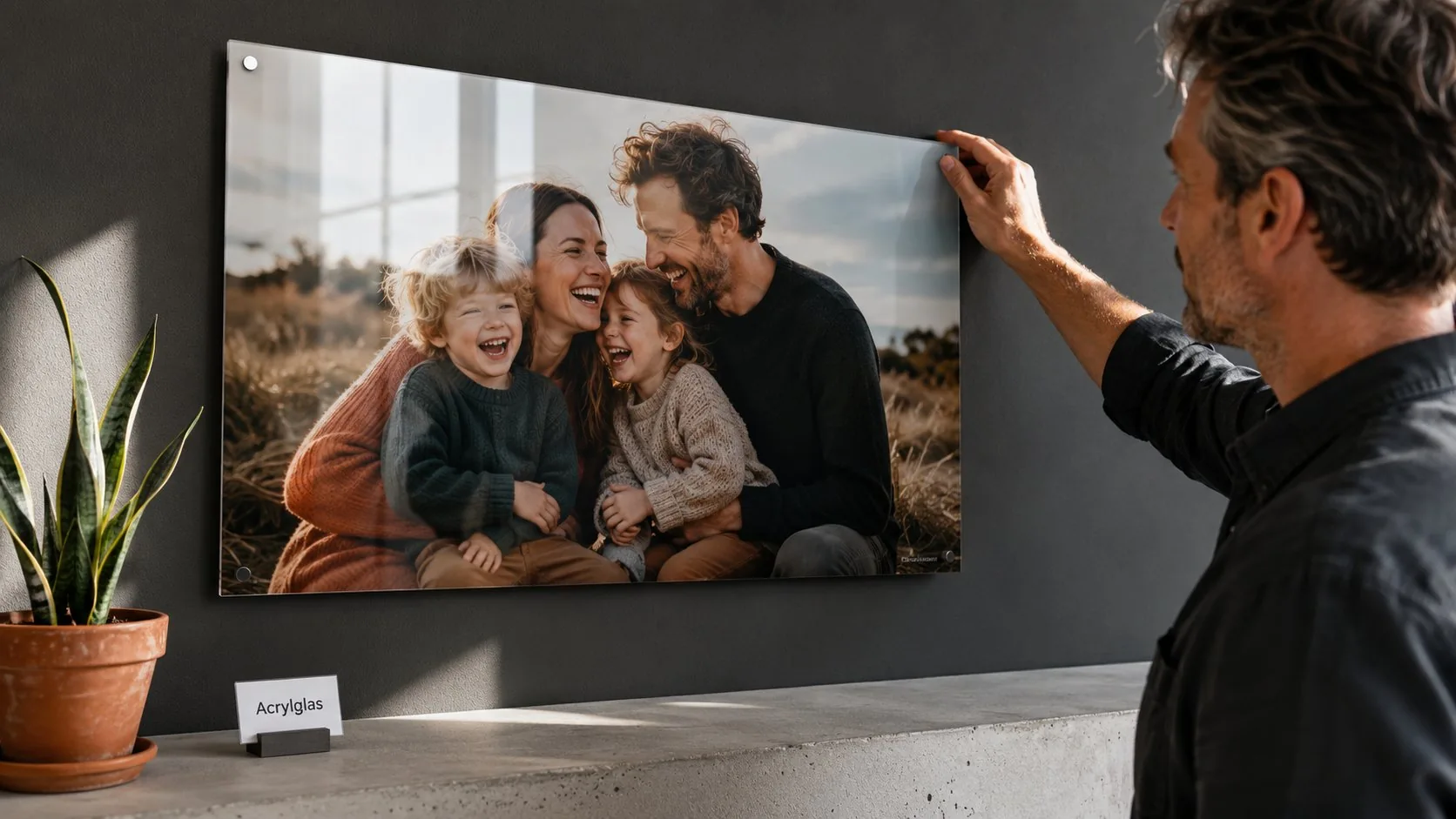
Direct answer: acrylic needs at least 150 DPI; 200 DPI is ideal. The high-gloss surface and depth effect make pixel grids, noise and compression artefacts particularly visible. If you print on acrylic, pick the sharpest original you have.
Acrylic is the premium pick among wall art: high-quality finishing meets brilliant colour depth. That advantage is also the weak spot at low resolution: what looks "atmospherically soft" on canvas just looks unsharp behind acrylic glass.
What to watch on acrylic in particular:
- High contrast. Dark text on a light background shows pixel edges immediately.
- Smooth skin areas. On portraits, every bit of noise is visible because the surface gives no texture to disguise it.
- Close-ups with shallow depth of field. Bokeh backgrounds need real resolution, not upscaling.
- Reflective surfaces in the subject. Water, glass, metal demand full detail fidelity.
So for a 60x40 cm acrylic print you want not a tight 8 MP but a comfortable 12 MP or more. Every smartphone of the last three years delivers that. At 80x60 cm it gets ambitious without a modern camera: 17 MP is the absolute minimum.
Our recommendation: for brilliant photo subjects in strong light, acrylic photo prints are the first choice, provided your photo is cleanly exposed. If you want the wow effect but are unsure about resolution, stay one size smaller.
 PSaveGet Up to EXTRA 20% Off
Canvas Resolution: Why DPI on Canvas Is the Most Forgiving
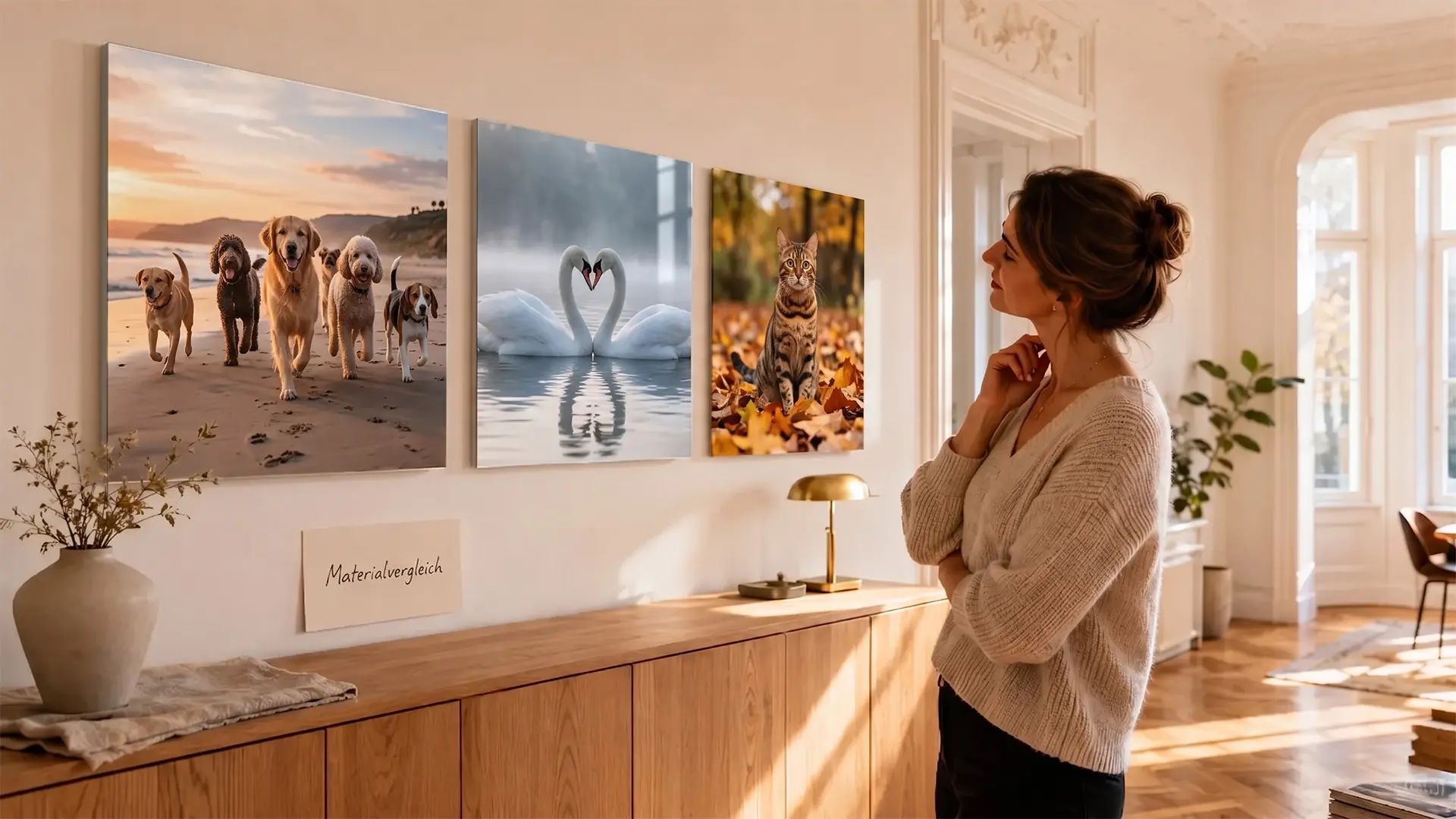
Direct answer: canvas gets away with 100 to 150 DPI because the fabric texture optically absorbs smaller softness. That makes canvas the most grateful choice when you do not know how sharp your photo is. A 12 MP photo turns comfortably into a 100x70 cm wall piece.
Canvas is fabric, not high gloss. The fine woven texture creates a soft micro-texture that the eye and brain read as "natural." Pixels disappear into it. That is why the minimum pixel values for canvas are set lower than for acrylic or poster.
| Canvas size | Minimum pixels (100 DPI) | Recommended (150 DPI) | Typical megapixel source |
|---|
| 40x30 cm | 1575 x 1181 px | 2362 x 1772 px | any smartphone |
| 60x40 cm | 2362 x 1575 px | 3543 x 2362 px | from 4 MP |
| 80x60 cm | 3150 x 2362 px | 4724 x 3543 px | from 8 MP |
| 120x80 cm | 4724 x 3150 px | 7087 x 4724 px | from 15 MP |
| 180x100 cm | 7087 x 3937 px | 10630 x 5906 px | from 28 MP (or upscale) |
The photo canvas print is the most popular wall piece in the range, precisely because the resolution tolerance is so high.
 PSaveGet Up to EXTRA 20% Off
Canvas rule of thumb: if your photo is borderline for a poster, print it one size larger on canvas. What looks soft on paper often looks atmospheric on fabric.
For multiple photos in one piece, a photo collage is worth the effort. You spread the required pixels across smaller tiles, and each individual photo needs less resolution.
Is Your Photo Enough? Quick Check by Camera Type
Direct answer: smartphone photos from the last three years usually sit between 12 and 48 megapixels and reach most wall print sizes. DSLRs and mirrorless cameras deliver 20 to 50 MP, drones 12 to 20 MP. Scanned paper prints are the wildcard.
Smartphone (current typical):
- iPhone 13 to 15 standard: 12 MP, that is 4032 x 3024 px. Enough for poster up to 60x40 cm, canvas up to 100x70 cm.
- iPhone 15 Pro / 16 Pro: 48 MP, that is 8064 x 6048 px in ProRAW mode. Enough for any wall print in this guide.
- Samsung Galaxy S23 / S24: 50 MP. Big-format capable up to 180x100 cm canvas.
- Google Pixel 8 / 8 Pro: 50 MP main sensor. Reaches 120x80 cm acrylic comfortably.
- Older smartphones (pre-2018): often just 8 MP. Maximum 40x30 cm acrylic, 60x40 cm canvas.
Mirrorless & DSLR:
- Sony Alpha 7R V: 61 MP. Overkill for any wall print you'll order.
- Sony Alpha 7 IV: 33 MP. Practically limitless in the wall print range.
- Fujifilm X-T5: 40 MP. 120x80 cm acrylic without strain.
- Canon EOS R6 Mark II: 24 MP. Comfortable up to 100x70 cm.
Drones & action cams:
- DJI Mini 4 Pro: 48 MP. Enough for 80x60 cm acrylic prints.
- GoPro Hero 13 Black: 27 MP. Reaches 60x40 cm poster, 100x70 cm canvas.
Scanned paper prints:
- Negative scan at 1200 DPI: yields around 16 MP. Enough for 80x60 cm canvas.
- Print scan at 600 DPI: strongly depends on the original size, often only fit for 40x30 cm.
Tip: open the file info in your photo app. The pixel count is usually under "resolution" or "dimensions." Compare that number to the minimum pixel column in the master table above.
How to Rescue Your Photo at Low Resolution in 4 Steps
If the pixel count sits below the minimum recommendation, all is not lost. This order pulls the maximum result out of your file.
Step 1: Find the original file. Track down the original photo, not a WhatsApp, Messenger or Instagram copy. Messenger apps often compress images to 1080 px on the long edge, which is only about 1 to 2 megapixels. The same photo straight from the gallery or iCloud often has four to six times the value. Also check the email someone sent the picture in, because there too the file is often shrunk automatically.
Step 2: Choose one size smaller. If your photo is borderline for an 80x60 cm acrylic print, order 60x40 cm instead. The visual difference on the wall is smaller than you think, but the sharpness gain is noticeable. On canvas this step is the simplest, because the fabric texture already softens the smaller size anyway. On acrylic the size drop pays off most.
Step 3: Use AI upscaling with care. Current AI tools can upscale images from 2 MP to 8 MP without looking visibly artificial. This works well on landscapes and architecture, less well on faces and fine textures like hair or feathers. Always check the result at 100 percent view on screen before you print.
Step 4: Match material to resolution. If your photo falls short on poster or acrylic, print it on canvas instead. The lower DPI requirement matches the lower pixel count, and you still get a high-quality wall piece.
Tip: for weddings, christenings, births or other favourite moments, the effort of really hunting down the best original is worth it.

Final Thoughts: What Resolution Really Works for Which Photo Print
The truth behind photo print resolution is not a single magic number but a relationship of DPI, print size and material. 150 DPI is your anchor for poster and acrylic, 100 to 150 DPI for canvas. From those values you derive every minimum pixel number, and the master table above saves you the maths.
If you are unsure whether your photo is tight, the order is: canvas forgives, acrylic exposes, poster sits honestly in between. Picking one size smaller rescues the print result almost every time, and AI upscaling is the emergency option, not the standard path.
The key takeaway: multiply print edge in cm divided by 2.54 by 150 to get the minimum pixels for poster and acrylic. If your file sits below that, print on canvas or one size smaller.
FAQ: Photo Print Resolution
What canvas resolution do I need for a 60x40 cm photo?
The canvas resolution for a 60x40 cm print sits at a minimum of 2362 x 1575 pixels, which is about 4 MP at 100 DPI. On poster or acrylic you need more: 3543 x 2362 pixels or 8 megapixels at 150 DPI. A modern smartphone photo at 12 MP sits comfortably above that.
Are 300 DPI compulsory for wall prints?
No, 300 DPI is a myth carried over from magazine printing. Wall prints are viewed from 1 to 2 metres away, where 150 DPI is enough for a sharp impression. 200 DPI is the premium choice; anything above that is optically hard to spot.
Is a WhatsApp photo enough for a canvas print?
Most of the time, no. WhatsApp compresses images down to around 1080 pixels on the long edge, which is only about 1 to 2 megapixels. That gets you to a 30x20 cm canvas at best. Get the original file straight from the sender's gallery.
What does DPI mean and is it the same as PPI?
DPI stands for dots per inch, the print dots per inch. PPI means pixels per inch, the image points per inch on a screen. In photo printing practice both terms are used synonymously, because modern printers translate the pixel value directly into print dots.
Can I upscale a photo that is too small?
Yes, with AI upscaling you can enlarge images by a factor of 2 to 4. It works well on landscapes and architecture, less so on faces and fine structures. Check the result at 100 percent view before you print.