The photo you choose decides how a jigsaw feels to do – relaxing, tricky or downright fiendish. Here is how to pick the right picture and the right piece count, plus a quick guide to ordering.
We all know someone who’s jigsaw crazy! And it’s a great time to be a puzzle lover, with more and more great designs available on the market.
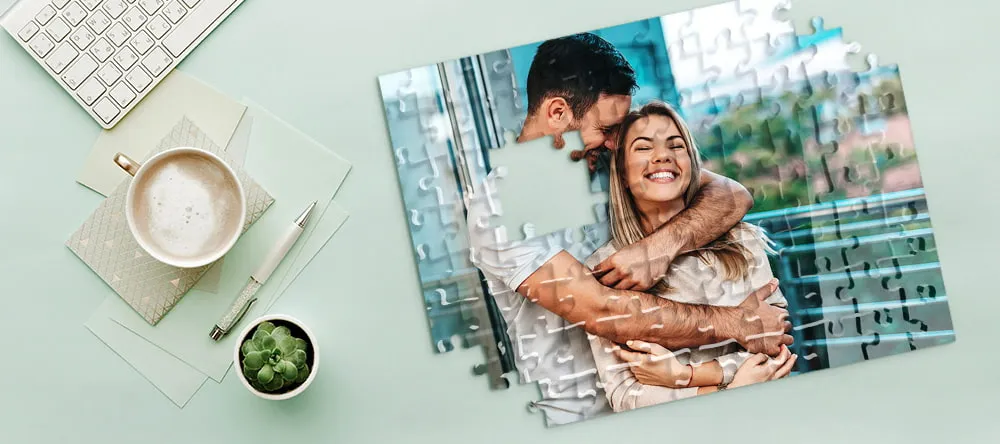
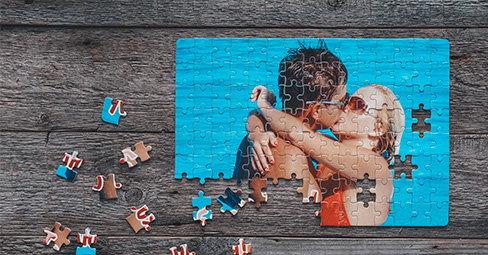
Nowadays you can even create your own jigsaw from a picture of your choice. But a photo that looks great on your phone doesn’t always make a satisfying puzzle, and the number of pieces changes everything. Ours come in a choice of 112, 266, 500 or 1000 pieces. If you already have the perfect picture in mind, go straight to our photo puzzle and start creating.
And best of all? It’s in the same price range as mass-produced puzzles sold on the high street.
Looking for a unique jigsaw as a treat for yourself or a gift for a loved one? Read this article!
Step #1: Choose the Right Photo for Your Jigsaw
Creating your own jigsaw puzzle at MYPICTURE is so simple. Choosing the photo you want printed on your puzzle is the hardest part!
When choosing your image, just think about the main purpose of your custom puzzle:
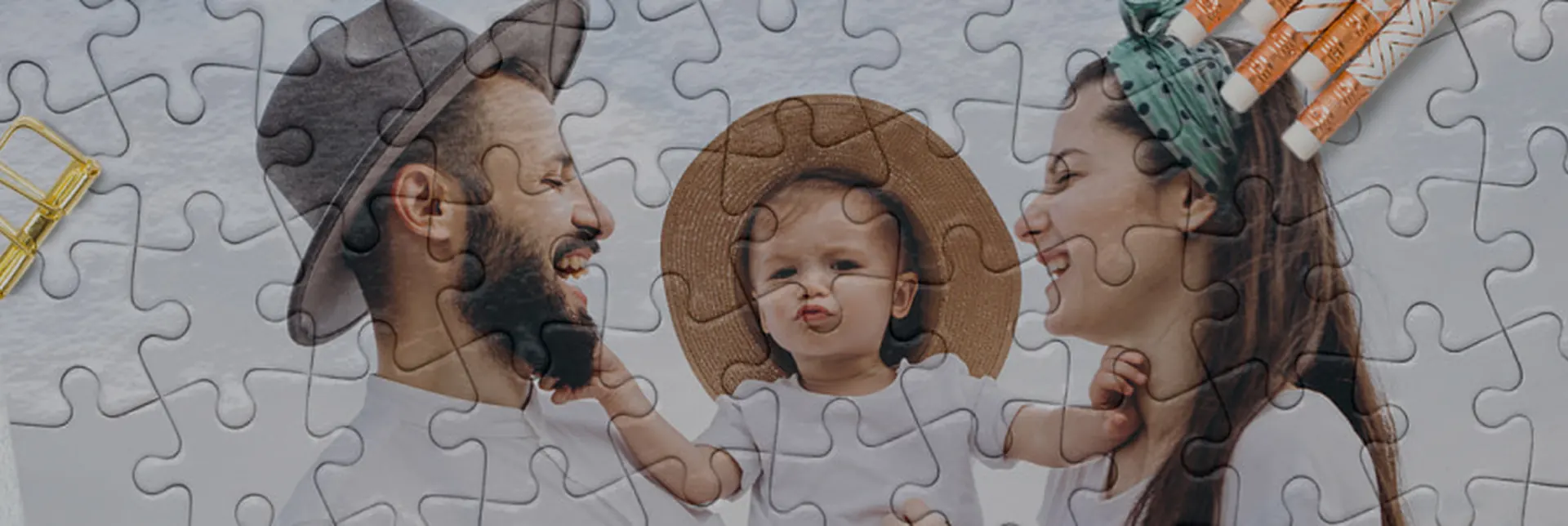
If it’s intended mainly as a touching photo gift, choose an image that will mean the most to the recipient – whether that’s a family/pet portrait, a snap taken on holiday, or one showing their favourite hobby or sports team.
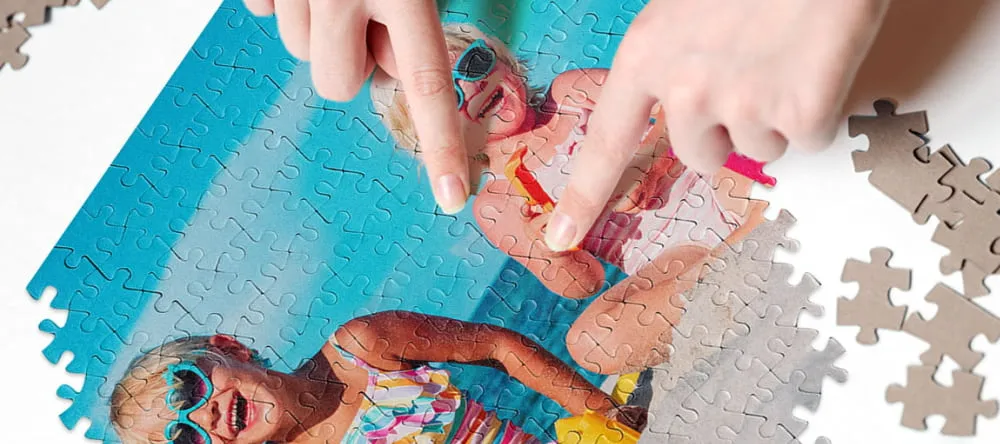
If it’s going to be a fun challenge most of all, choose a photo that will work best as a jigsaw image – not too hard, not too easy!
Of course, if you find a picture that suits both purposes perfectly, all the better!
What makes a photo easy or hard to puzzle?
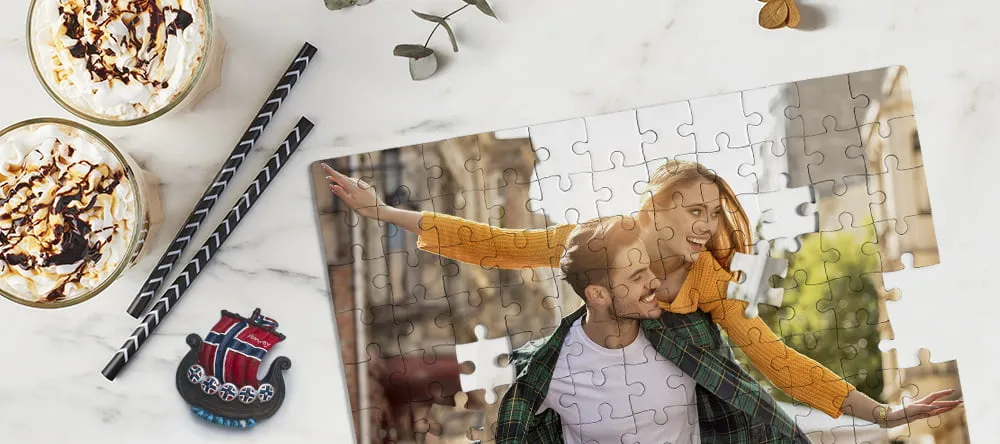
Easier: lots of different colours, clear shapes and distinct areas – a family group, a colourful garden, a busy street scene.
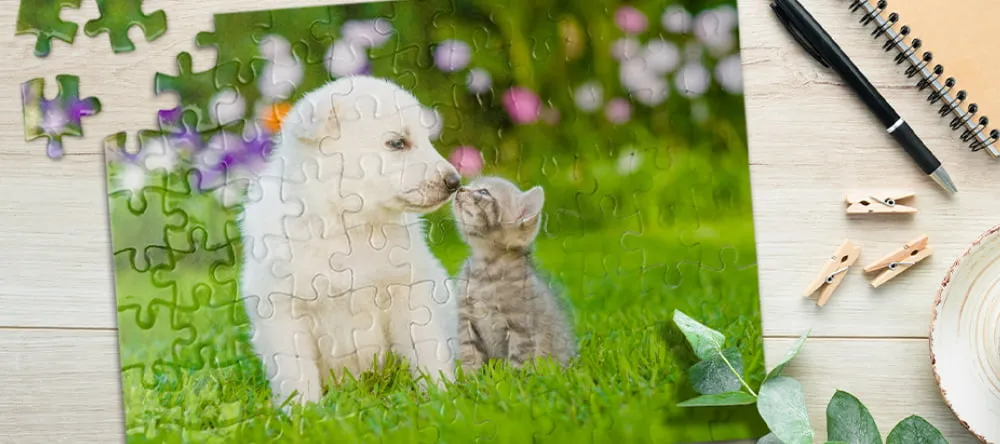
Harder: large areas of one colour or texture – open sky, sea, snow, sand or grass – and repeating patterns.
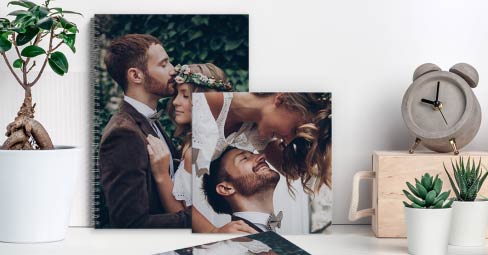
Tip for gifts: a close-up portrait with a plain background looks lovely, but the background is slow going on a big puzzle – choose fewer pieces for photos like this.
Note: As you’ll need to upload your photo to the internet, it will need to be in digital form. Nearly all photos are digital these days – but if you want to use an older picture in physical form, you’ll need to scan it to produce a digital copy.
Go to the product page for our custom puzzle and click “UPLOAD PHOTOS”. You’ll then be prompted to browse your device for an image to upload.
If everything’s in order with your digital photo, you’ll be taken straight to the product design page.
Note: If there’s any issue with the upload, you’ll see 1 of these 2error messages:
#1: “Image resolution insufficient”:
If your image doesn’t have a high enough pixel count (i.e. if it’s too small) then our system will reject it automatically. This is to make sure your printed picture is of the highest quality.
For the sharpest print, aim for at least 150 dpi at print size (300 dpi is ideal) – roughly 1,800 x 1,200 pixels for our smallest 112-piece puzzle.
#2: "Invalid file format”:
This error message means your digital image is in the wrong format. We can only accept .JPG, .JPEG, .PNG, or .GIF formats.
After you select your image file and it’s successfully uploaded, you’ll be taken to our product design page. You just need to make a very few simple choices, then click “Add to Shopping Cart” when you’re happy. The customisation options are as follows:
Choose Your Piece Count (and Difficulty)
Choose the size of your puzzle. We offer four piece counts, and each one changes the difficulty as well as the size:
112 pieces (30 x 20cm) – larger pieces, great for children and beginners
266 pieces (45 x 30cm) – a relaxed afternoon for the whole family
500 pieces (54 x 40cm) – a proper challenge for regular puzzlers
1000 pieces (69 x 49cm) – the classic test for keen jigsaw fans
Due to small parts, our jigsaws are not suitable for children under three.
Note: We only offer you our larger puzzles if your image is big enough to achieve a high-quality print in that size. If you don’t see the size you want, you’ll need to upload an image file with a higher pixel count.
Choose Effect
If you prefer, you can apply a monochrome filter here so your image is printed in black-and-white.
Drag/Zoom
On the page you’ll see a mock-up of how your final print will look. You can adjust the print area by dragging your photo within the framing, or you can zoom in by adjusting the bar provided.
Add Text
If you want to include a message or dedication, you can do so by clicking the "Add Text" button. We offer a wide range of text fonts, colours, and sizes.
Once you’ve reached the shopping cart, review your item(s) and check that everything’s as you expected. If you’re happy to proceed, click “Secure Checkout”.
Note: If your MYPICTURE order is worth £55 or more, delivery is absolutely FREE to the UK mainland.
Once you’ve entered your delivery and payment details, complete your order and your custom jigsaw puzzle will begin production right away.
Our production and shipping times are as follows:
Production: 2 working days
Shipping: 3-6 working days
Total delivery time: 5-8 working days
So within 5-8 working days we’ll deliver your brand-new puzzle direct to your door!
MYPICTURE gives you all the tools you need to create your own jigsaw puzzle. Our personalised puzzles are absolutely unique, printed to the highest standard, and they guarantee you hours of fun, alone or with loved ones. So what are you waiting for? Create your own jigsaw now!