How to Print Photos Online in the UK (Without Downloading an App)

by My-Picture Team
 5 Minutes
Printing photos in the UK has just got a lot easier. MYPICTURE's new browser-based Photo Prints App means there is no need to worry about downloads or third-party software. In just a few minutes, it is possible to upload, crop, enhance, and order in bulk - all from your browser. Without the usual hassle, your high-quality prints will be delivered straight to your door.
Why People Still Print Photos in a Digital World
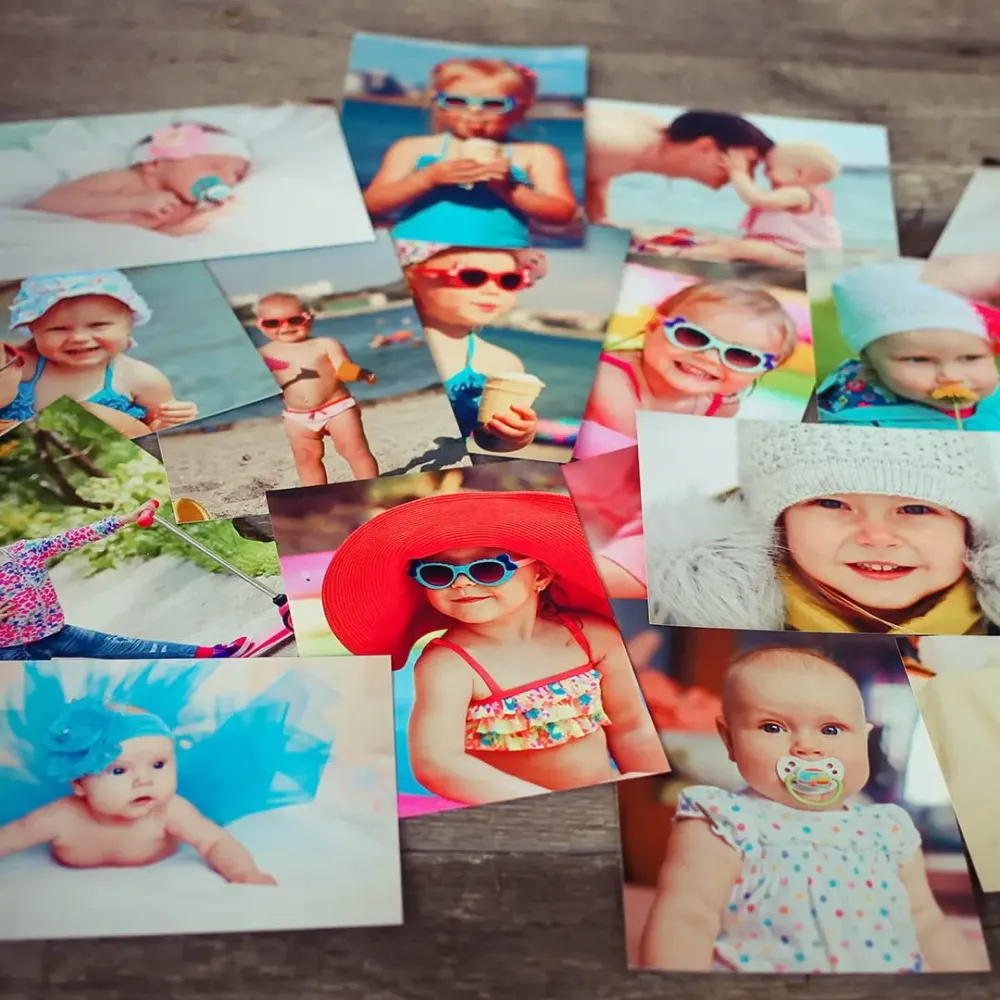
Nowadays, most photos live on our phones. But there is still something magical about a printed photo. Physical prints have a permanence that digital photos cannot match, whether they are used to fill a family album, build a memory wall, or create a heartfelt present. They are real, tangible things you can hold.
Storing digital photos is convenient, but printing them is where the emotional connection happens. The challenge now isn't really whether to print your photos. It's finding a way to do it that doesn't feel like a chore. And that's where this new Photo Prints App makes a real difference.
What Is the Photo Prints App?
The Photo Prints App is MYPICTURE's answer to making photo printing simple. It's browser-based, which means it works on desktop or mobile without requiring any downloads.
What's particularly great is that it was built entirely in-house. That gave the developers direct control over how it works, so they can improve things quickly when customers provide feedback. It handles everything from bulk uploading and smart editing to checking image quality in real time. You don't even need to create an account.
Rather than relying on third-party solutions, building our own tool means we can respond to what customers want and make updates quickly. No waiting around for external developers to sort things.
“This app shows what's possible when we take ownership of our technology. We can now iterate quickly, respond to customer needs directly, and deliver a seamless photo printing experience without being tied to external limitations.”
- Emils Samoilovs, Frontend Architect and developer of MYPICTURE's Photo Prints App
How to Print Photos Online with MYPICTURE
The new app has made the procedure go more smoothly than before. To print your photos online:
-
Go to My-Picture.co.uk
-
Head to the Photo Prints area (you'll find it under Photobook & Calendar)
-
Upload your photos: between 20 and 500 photos in one go
-
Crop, rotate, or auto-enhance using the browser's built-in features
-
Adjust saturation, contrast, and brightness as needed
-
Pay attention to the real-time notifications - they'll flag any images that are too blurry to print properly
-
Review everything and place your order
What Makes This App Different?
A lot of photo printing services rely on generic third-party tools or apps that you must download. This one was built from scratch specifically for MYPICTURE customers. That means greater control, faster updates, and a user experience tailored specifically for our customers.
Because it's entirely browser-based, it works on virtually any device: laptop, phone, or tablet. And it's designed to handle serious photo volume: hundreds of images at once, with real-time edits and quality checks. All without downloads or registrations.
Best For / Not For
Best for:
-
Uploading large batches of photos (up to 500 images)
-
Mobile users who want a quick, hassle-free solution
-
Simple editing with one-click enhancement tools
Not for:
-
Fine art printing requirements
-
Professional photographers who need advanced editing features
Traditional Photo Printing in the UK (and Why It's Changing)
If you've printed photos in the UK before, you've probably used one of the usual options: supermarket kiosks, high-street photo shops, or apps like FreePrints. They do the job, but they're not always quick, convenient, or easy.
The Photo Prints App from My-Picture.co.uk takes a different approach:
UK Photo Printing Methods
| Method | Requires App? | Editing Tools | Delivery Option | Easy of Use |
|---|---|---|---|---|
| Tesco / Boots Kiosks | No | Limited | No | Medium |
| FreePrints App | Yes | Basic | Yes | Good |
| MYPICTURE App | No | Advanced | Yes | Excellent |
Source: MYPICTURE analysis
Frequently Asked Questions About Buying Canvas Prints
-
No. The photo prints tool works directly in your web browser (desktop or mobile). No software, no downloads, nothing to install.
-
You can upload between 20 and 500 images in a single session. The app handles large batches effortlessly.
-
Absolutely. There are built-in tools for cropping, rotating, enhancing, and adjusting contrast and saturation.
-
Yes. The app gives you real-time quality alerts if any images are too blurry or low resolution for printing.
-
Yep. MYPICTURE delivers high-quality photo prints anywhere in the UK, straight to your door.
Ready to Try It?
Experience photo printing made easy - no downloads, no delays, just beautiful prints. Visit My-Picture.co.uk and try the new Photo Prints App today.